
DOCS / START HERE

Docs & Get Started

From the first summon to your first plugin.

QUICK START

Up and running in three minutes

01

Download and launch

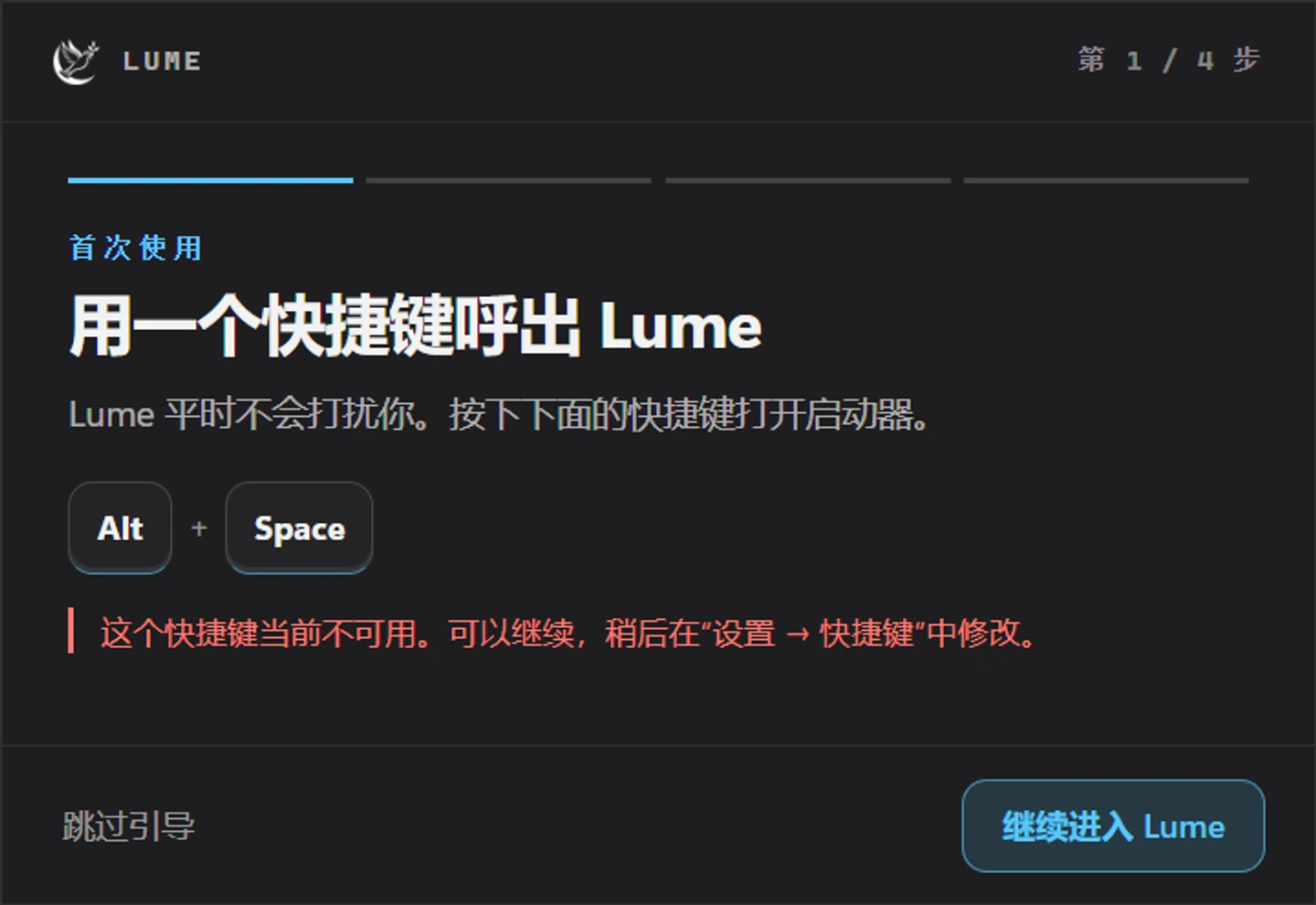
Choose the installer or portable build. First launch shows a four-step guide.

02

Press Alt + Space

Use the global shortcut to summon Lume. Focus lands in the search box.

03

Type, then press Enter

Apps, files, clipboard entries, and plugin results share one input.
Download for Windows
Lume / Welcome
Lume first-run guide (Simplified Chinese UI)
First launch guides you through the shortcut, modes, and system settings.

KEYBOARD

Useful shortcuts

Alt+Space Summon or hide the launcher; configurable in Settings.
Tab Switch between apps, clipboard, and plugin modes while the search box is focused.
Enter Open the selected app, file, or action.
Shift+Enter Launch the selected app as administrator; configurable and may trigger UAC.

Start from an example plugin